Foxy
Foxy
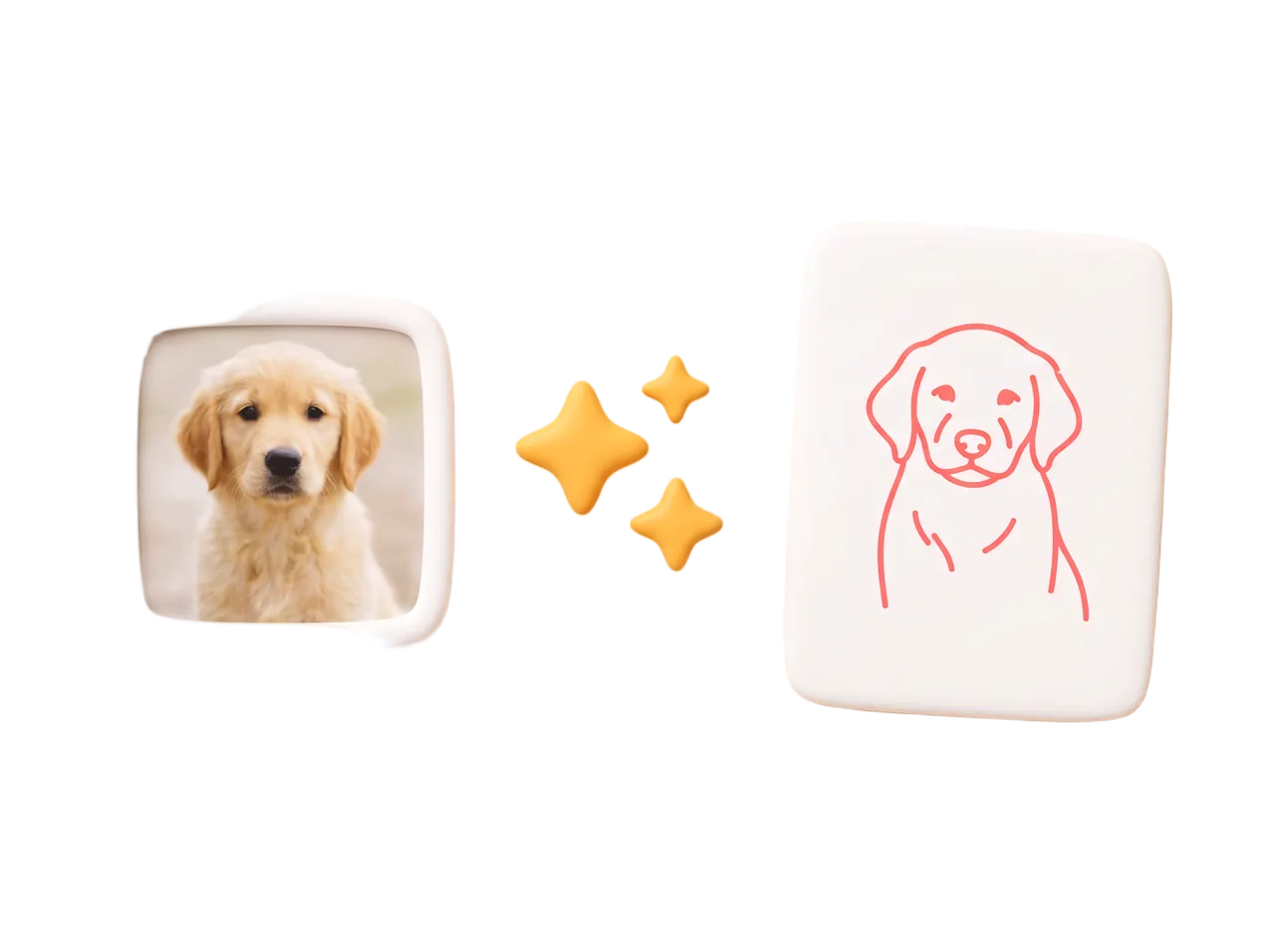
a photo
Your own picture
Pick any photo. Foxy turns it into clean, traceable lines on your phone — nothing is uploaded. Want sharper, artist-style lines? AI conversion is one explicit tap away, and your first three are free.
a camera tracing & sketch app for iPhone and iPad
Foxy turns a photo, a template, or an idea into a guide you trace by hand — through your camera, or with paper laid right on the screen.

start from anything
Whatever you want to draw, Foxy turns it into clean lines to follow. You choose where the picture comes from.
Pick any photo. Foxy turns it into clean, traceable lines on your phone — nothing is uploaded. Want sharper, artist-style lines? AI conversion is one explicit tap away, and your first three are free.




856 original drawings in 17 categories, from For Kids to Legends & Myths. 190 are free, and new drops arrive without an app update.
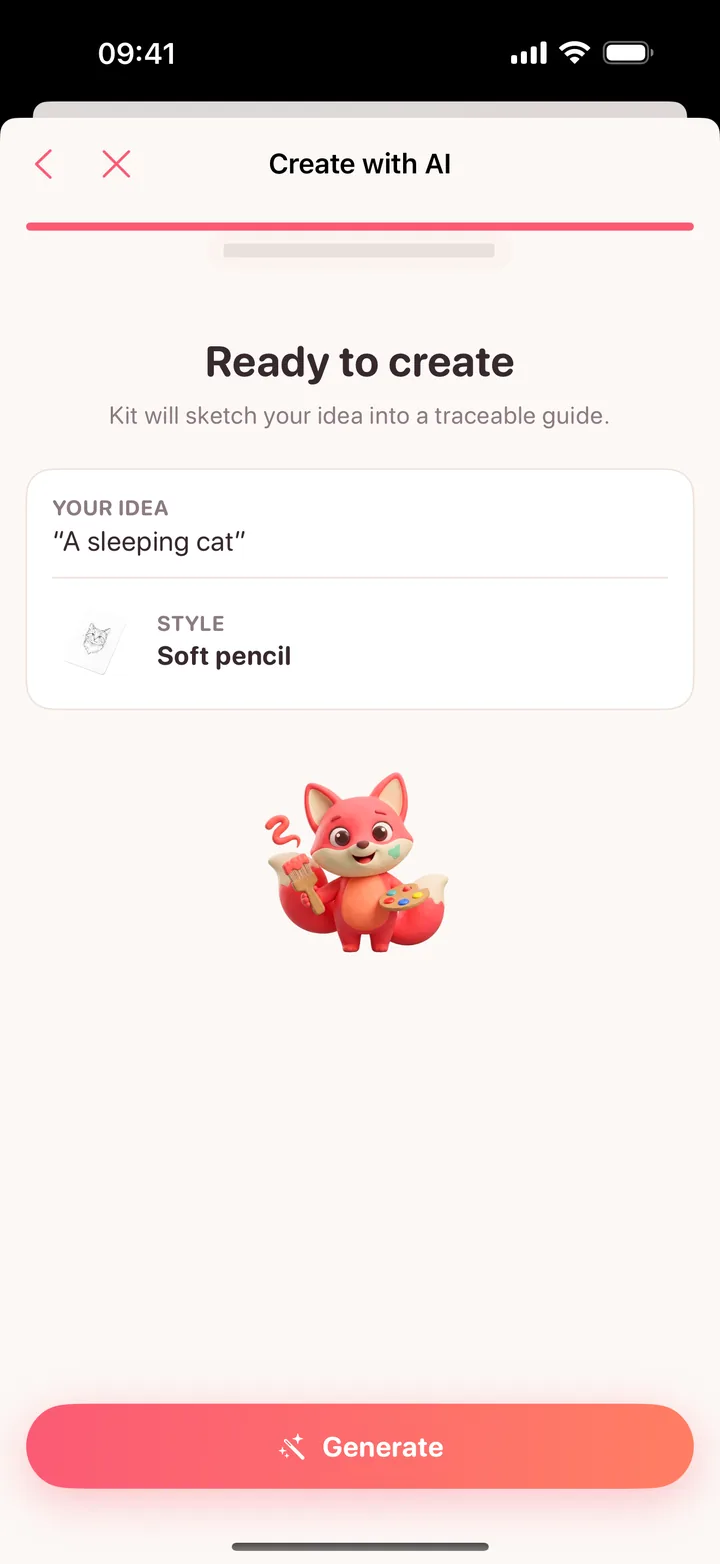
Describe it — “a sleeping cat” — pick a style, and Kit sketches a traceable guide. Your first three AI creations are free.
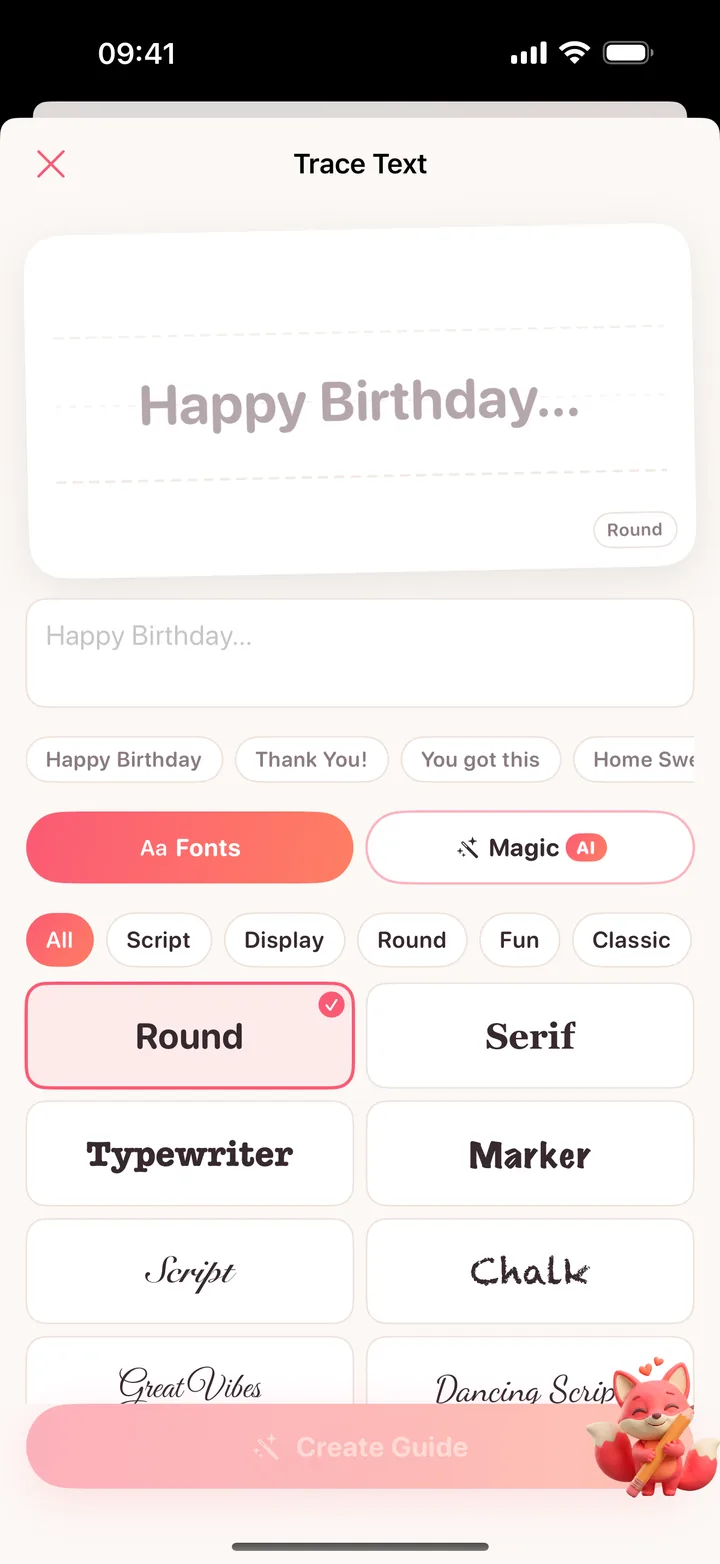
Type a phrase, choose a font — round, serif, script, chalk, marker — and trace the lettering onto a card or a poster.
how it works
A photo, a template, an idea, or a phrase. Foxy turns it into lines you can follow and saves it as a project.
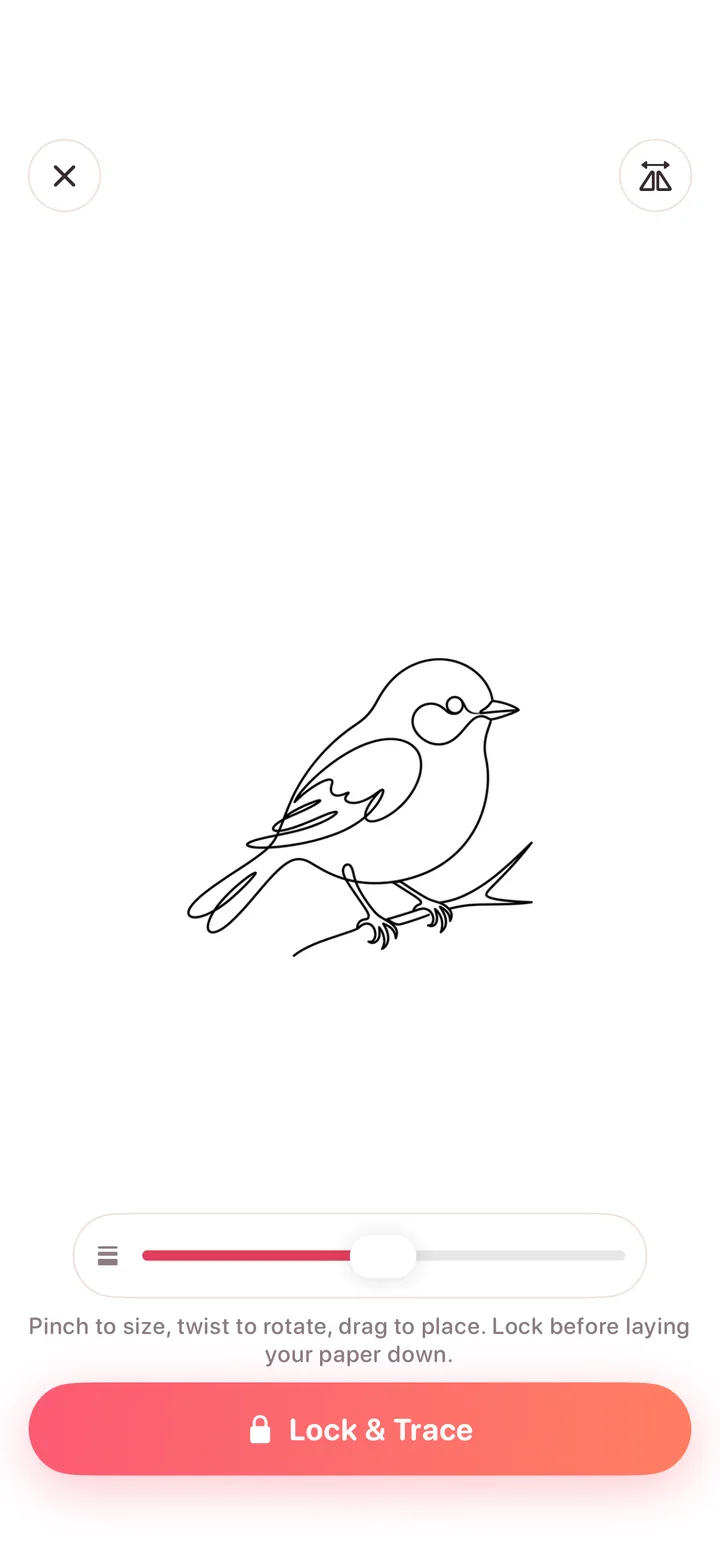
Set the guide over your paper, size it, rotate it, then lock it so nothing shifts once the pencil is moving.
Trace at your own pace. Each project keeps its guide and your finished photo, and you can record a time-lapse as you go.
two ways to trace
Both modes show the same guide. One floats it over the page; the other turns the display into a light box.
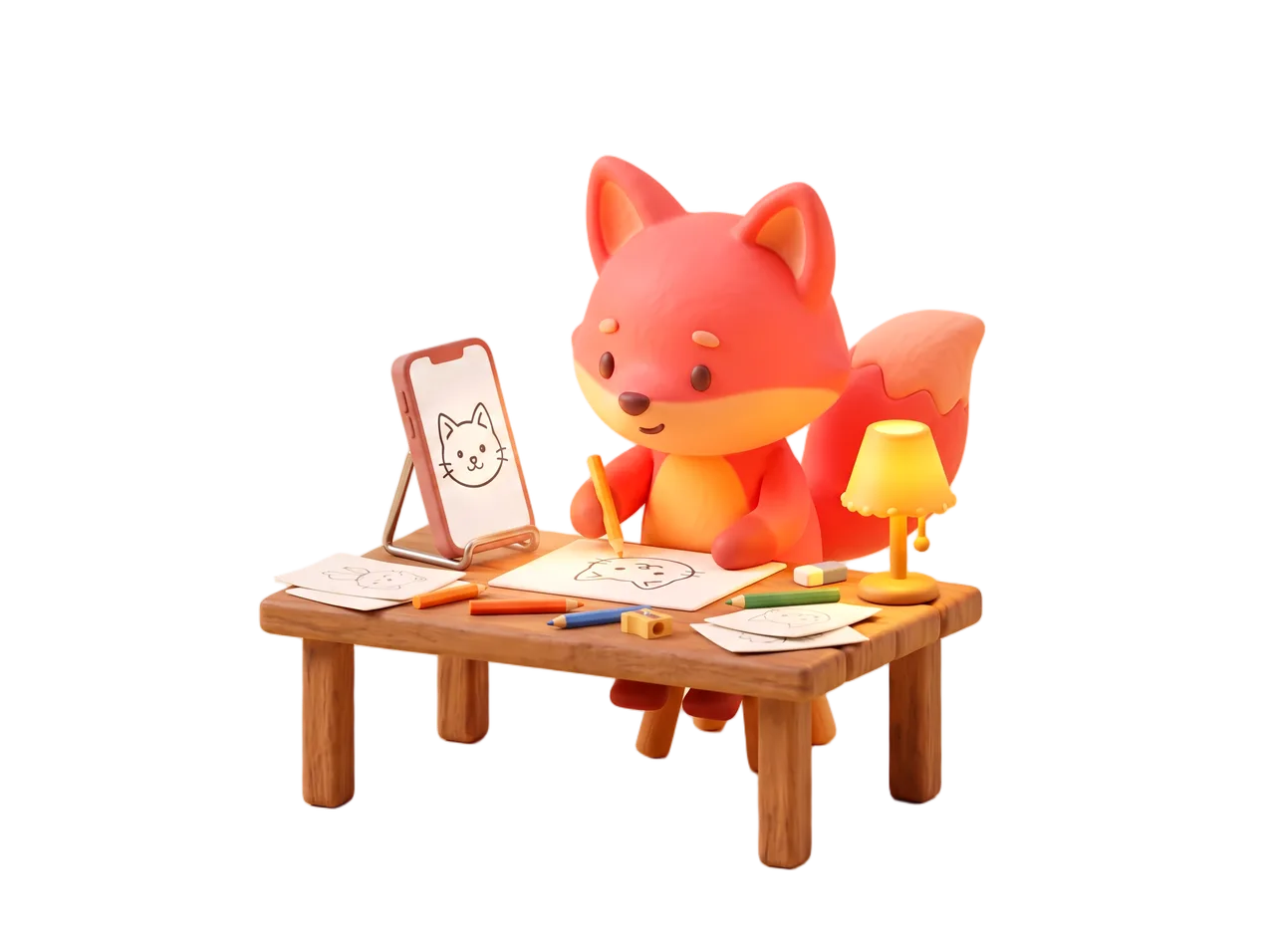
Prop the phone above the paper on a stand or a stack of books. The guide floats over your page through the camera, a bubble level tells you when the phone is flat, and the lock keeps everything still while you draw.
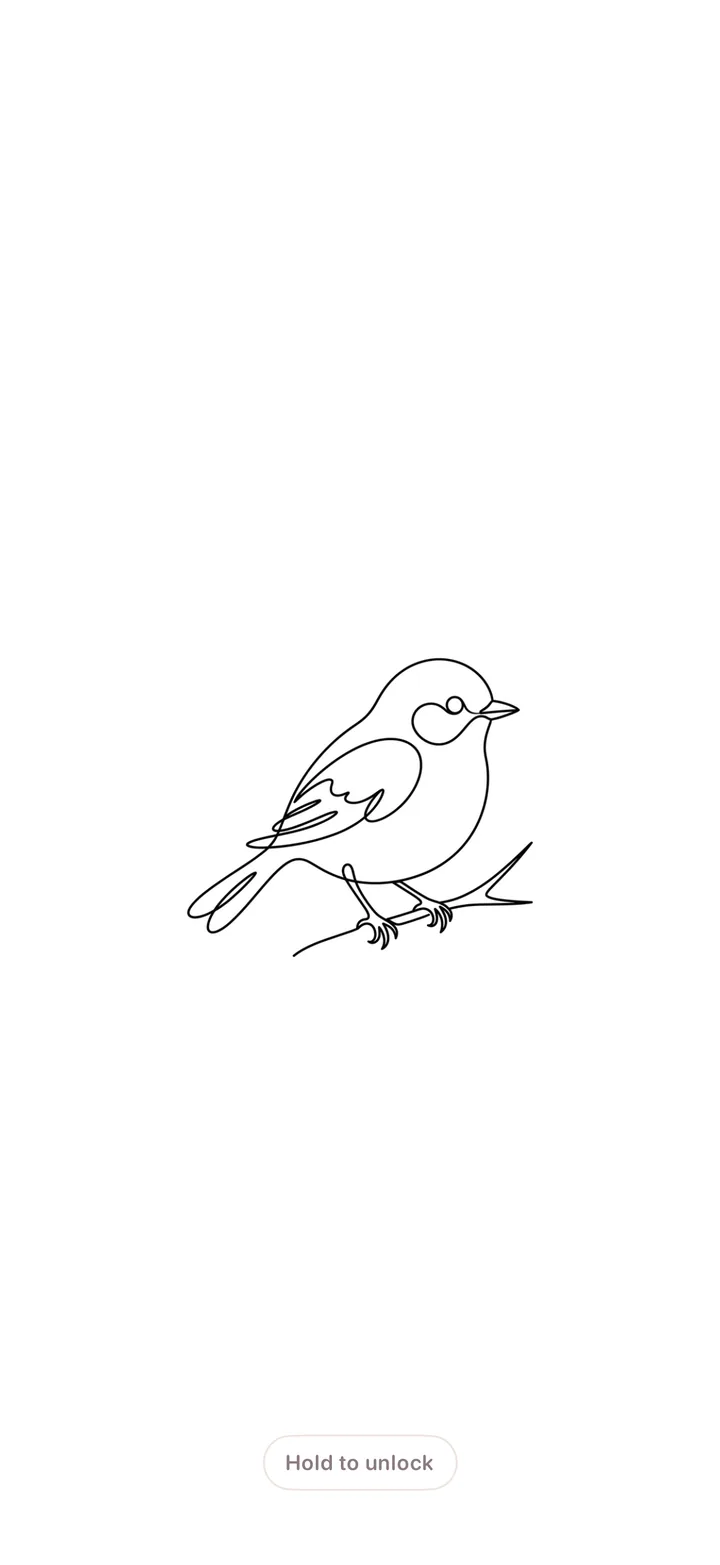
No stand, no camera. Lay thin paper on the display: it goes to full brightness with the guide in high-contrast ink. Lock it, and the glass ignores the paper pressing on it until you hold to unlock.
Foxy shows a transparent guide through your camera or on the screen. It does not project an image onto paper — every line on the page is yours.
the library
Every template is original art drawn for Foxy, with bold, open lines that stay readable through a camera. The easy ones are free; the rest are Pro.
 FreeAstronautFor Kids
 FreeElephantAnimals
 FreeAxolotlCute
 FreeFox MaskAnime
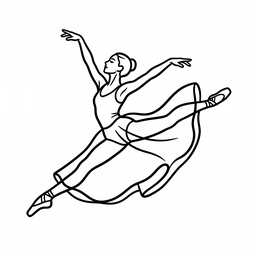 FreeThe LeapPeople
 FreeOld OakNature
 FreeRow HousesArchitecture
 FreeClassic BugCars
 FreeCroissantFood
 Vintage CameraObjects
 FreeLotusAesthetics
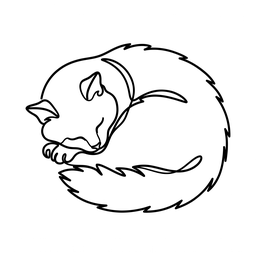 FreeNapping CatOne-line
 FreeSwallowTattoo
 FreeWizard's OwlFantasy
 FreeCheshire CatLegends & Myths
 DeerAnimals
 Boba BearCute
 ArcherAnime
 FreeFire TruckFor Kids
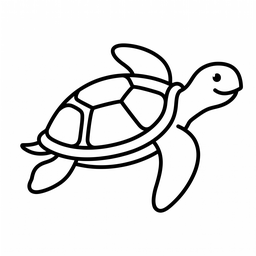 FreeSea TurtleAnimals
 FreeCorgi LoafCute
 FreeChibi HeroAnime
 FreeOpen HandAnatomy
 FreeTulipNature
 The Great ClockArchitecture
 FreeFormula RacerCars
 FreeThe BurgerFood
 FreeHot Air BalloonObjects
 FreeCrystalAesthetics
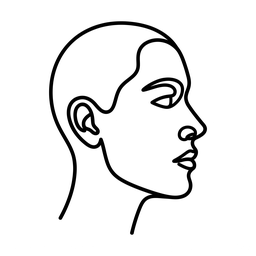 FreeOne-line FaceOne-line
 FreeClassic RoseTattoo
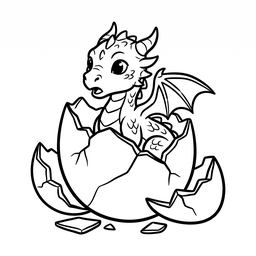 FreeHatchlingFantasy
 FreePegasusLegends & Myths
 BaristaPeople
 Cat on the MoonAesthetics
 FreeThe Great DetectiveLegends & Myths
learn
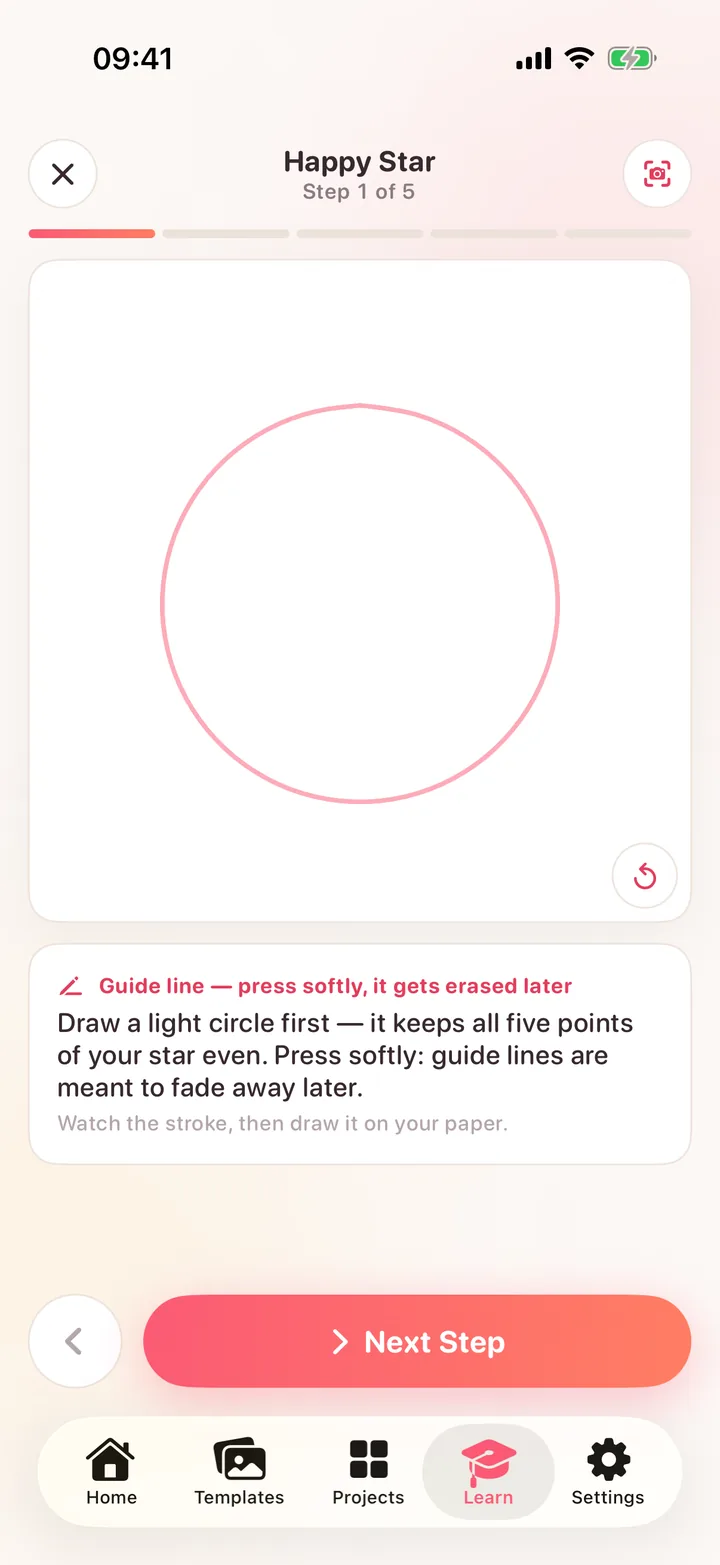
The starter path takes a drawing apart into steps. Each stroke animates in before you draw it, so you always know where the pencil goes next.
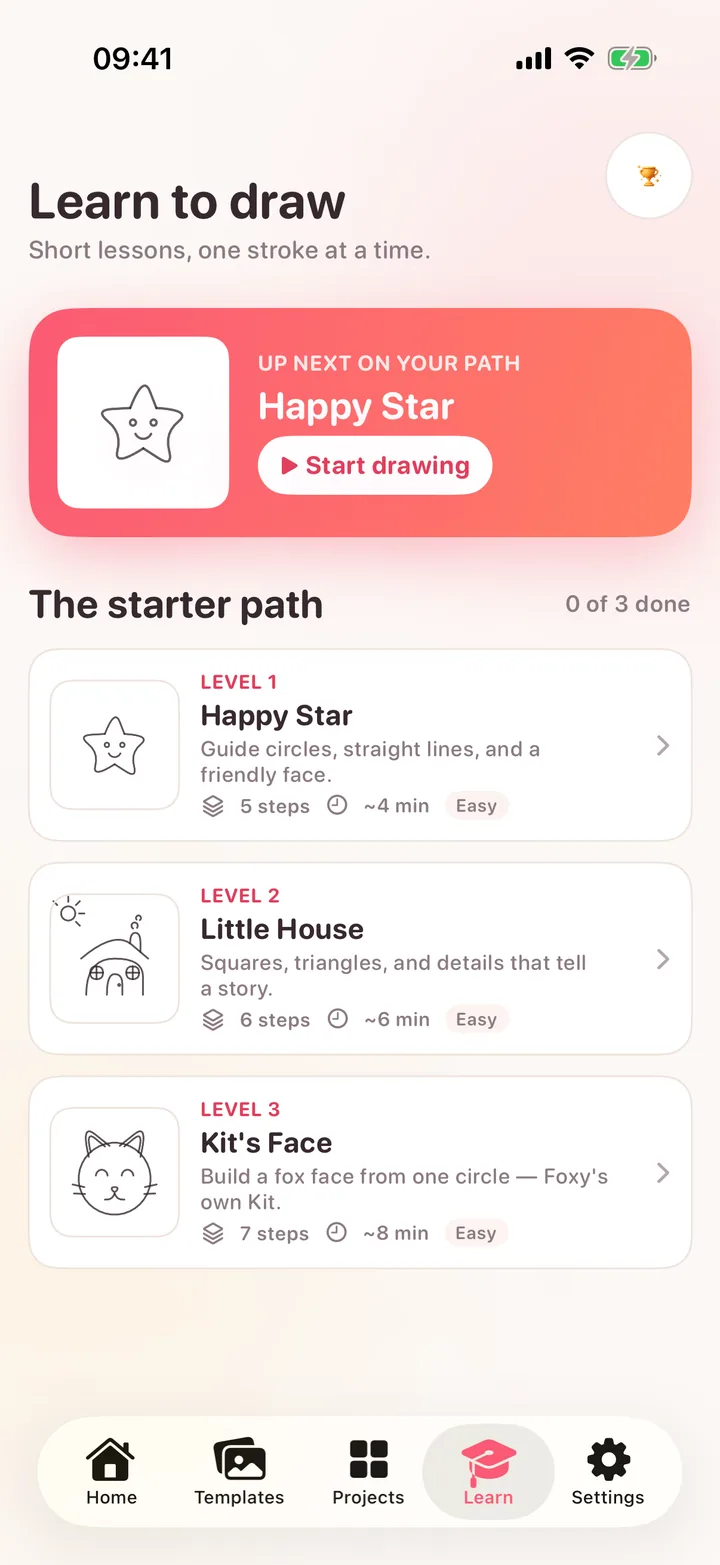
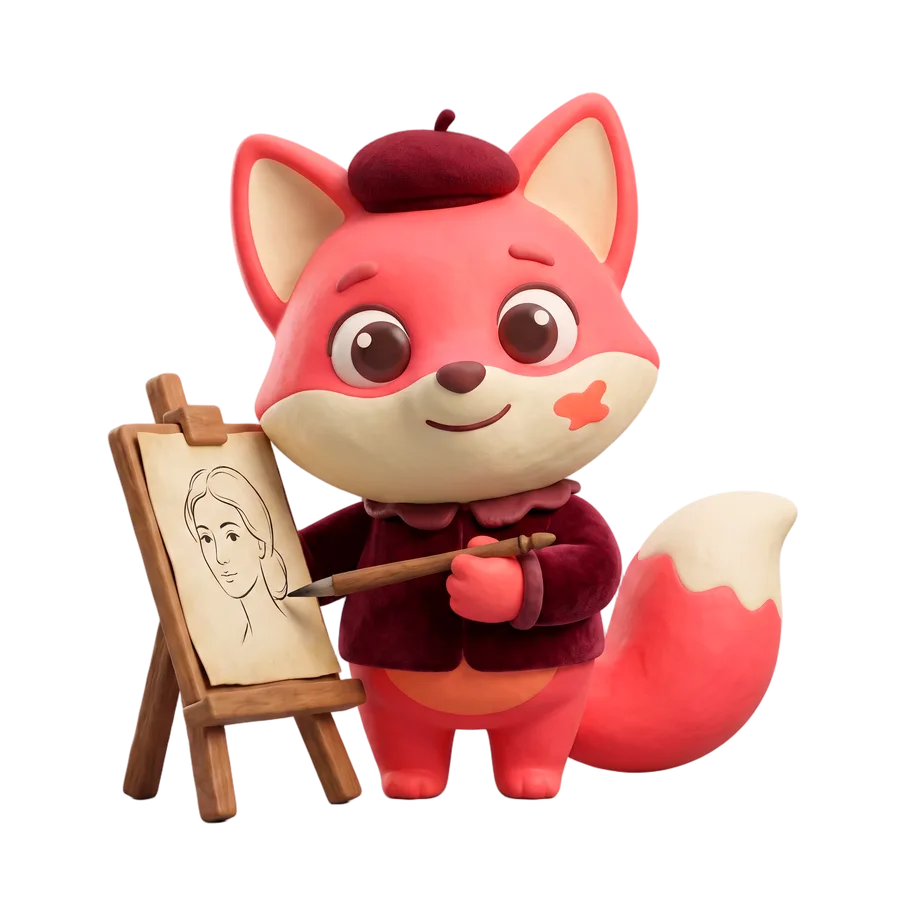 Kit, resident painter
house rules
Sketching, previews, and finished-drawing comparisons run on your phone. If you choose an AI conversion, the photo is uploaded for that job only, kept for up to 30 days, then deleted. We never sell your data.
Tracing your own photos is free. Prices are shown up front, the trial really is free, and you cancel in your Apple Account settings like any other subscription.
Every template is drawn for Foxy — no borrowed characters. There is a For Kids category, no web import by design, and the app is rated 9+.
pricing
Prices in US dollars; the App Store shows local pricing. A subscription renews until you cancel.
Free
$0 forever

Foxy Pro
$99.99 per year after the trial
or $9.99 per week, after a 3-day free trial
No payment during the trial. Subscriptions bought on the web carry a 30-day money-back guarantee.
questions
No. It shows a transparent guide through the camera, or turns the screen into a light box you lay paper on. Every line on the page is drawn by you.
For camera mode, yes: a phone stand or a stack of books, never your hand. Screen mode needs nothing at all — lay thin paper on the display, lock the guide, and trace.
Tracing your own photos, 190 templates, the starter lessons, three projects at a time, export, and your first three AI creations. Pro adds the whole library, AI creations every day, background removal, time-lapse, and unlimited projects, after a 7-day free trial.
Sketching a photo into a guide runs on your phone. If you pick an AI conversion, the photo is uploaded for that job, stored under your account for up to 30 days, then deleted. Nothing is sold or shared with advertisers. The full policy is in the privacy notice.
There is a For Kids category of simple original drawings, no ads, and no web import. Foxy is rated 9+ and is not a “Made for Kids” app — a grown-up sets up the stand and the account.
iPhone and iPad running iOS 17 or later. Camera mode works best with the phone on a stand above the page; screen mode works on any of them.
Anytime. App Store subscriptions are managed in your Apple Account settings. Subscriptions bought on the web come with a 30-day money-back guarantee — email [email protected].
Pick a photo or a template, prop up the phone, and draw the line yourself.